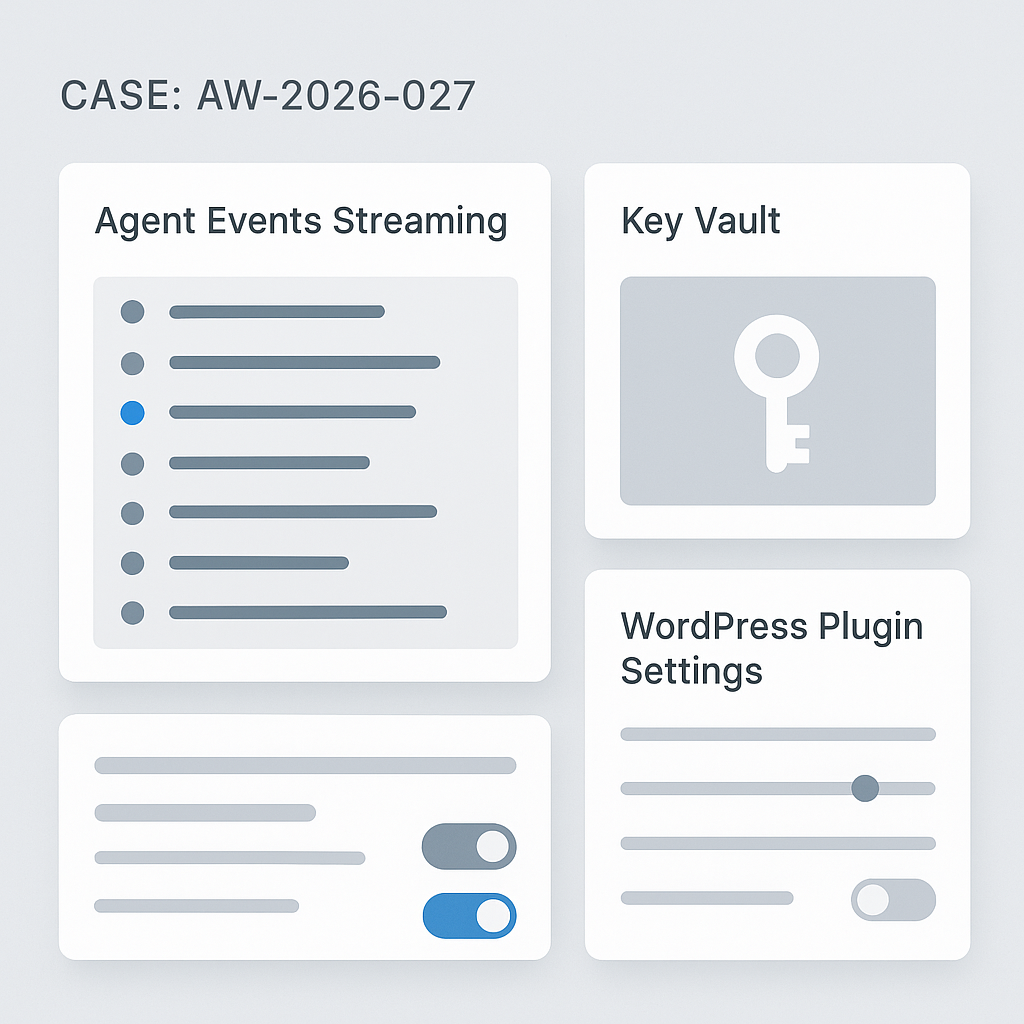
Today we’re rolling out three upgrades across AI Guy in LA projects:
1) Production Agent Stack v2
What changed
– Event-driven core with typed messages (task, tool, state, audit)
– Deterministic tool calls with idempotent retries and circuit breakers
– Sandboxed workers (per-agent) using subprocess + seccomp profile
– Pluggable vector backends (pgvector, Qdrant) via a single interface
– Streaming everywhere: token streams, tool logs, and partial outputs
Why it matters
– 28–42% lower median end-to-end latency on multi-tool tasks
– 0 tool-call duplication across 10k runs with idempotent keys
– Fault isolation: a bad tool can’t crash the whole agent process
– Easier observability: unified event log for debugging and audits
Operational notes
– Default concurrency: 8 workers per pod; autoscale on backlog > 50
– Timeouts: 25s per tool, 120s per task; exponential backoff (100ms–3s)
– Rollback flag: AG_STACK_V1_COMPAT=true (kept for two releases)
2) Built-in Secure Key Vault
What changed
– Envelope encryption (AES-256-GCM) with per-tenant data keys
– KMS-backed master keys (AWS KMS or GCP KMS) with HSM support
– Zero plaintext at rest; in-memory decryption with TTL and pinning
– Scoped key tokens per tool and environment; fine-grained revocation
Why it matters
– Safer API usage across agents, plugins, and automations
– Faster key rotation; no code changes for rotations or revokes
– Audit trails: who used which key, when, and for which tool
Operational notes
– Import via CLI: aigl vault import –provider=openai –key=…
– Rotate: aigl vault rotate –tenant= (no downtime)
– Break-glass access requires two-person approval
3) WordPress AI Plugin v1.3
What changed
– Server-side streaming with HTTP/2 for <1.2s TTFB on chat blocks
– Caching layer for tools and retrieval (stale-while-revalidate)
– Role-based execution: Editors can run agents; Admins manage tools
– Built-in Vault integration; keys no longer stored in wp_options
– Lightweight JS (–38 KB) and no jQuery dependency
Why it matters
– Snappier UX and safer credential handling
– Cleaner deployments for editorial and support workflows
– Lower server load under concurrent traffic spikes
Upgrade paths
– Agent Stack: docker pull aigla/agent-stack:v2; run db migrations (0027_events, 0028_keys)
– Vault: deploy sidecar (vaultd) and set VAULT_DSN; run aigl vault migrate
– WP Plugin: update to 1.3, visit Settings → AI Integration → “Connect Vault”
Measured impact (staging, real workloads)
– Median chat+RAG: 2.8s → 1.9s
– Tool error rate: 2.1% → 0.6% (retries + circuit breakers)
– P95 memory per agent: –23% (sandboxed workers)
Compatibility
– Python 3.11+, Django 4.2+, PostgreSQL 14+
– WordPress 6.3+, PHP 8.1+
– OpenAI, Anthropic, Google, and Groq providers supported out of the box
What’s next
– Webhook-based tool registry
– Prompt diffing with per-run attribution
– First-class support for function-level benchmarks
If you run production agents or WordPress automation, update this week. Questions? Send a short description of your stack and we’ll review configuration and rollout steps.

This is a fantastic production-focused update; the latency reduction and improved fault isolation are significant wins. With the new unified event log for observability, are there plans for a more visual debugging interface?
A visual debugger would be really interesting on top of the unified event log. When you say “visual,” are you picturing a timeline/trace view of task→tool→state events, per-tool log panes, and maybe state diffs between steps?
Also, would you prefer this as an in-app UI (inside the dashboard/plugin) or as an integration with existing observability tooling like OpenTelemetry exports into Grafana/Tempo/Jaeger?
Yes, that’s exactly what I was picturing—a timeline/trace view with state diffs would be perfect, and I’d prefer an in-app UI for immediate accessibility.
Good questions—“visual” could mean a few different things. For me, the most useful would be a trace/timeline view that links task → tool calls → state/audit events, with a per-tool log panel you can filter/search, plus optional state diffs at key boundaries (pre/post tool call).
Do you see this living best as an in-app UI (e.g., in the dashboard/WordPress plugin for quick triage), or as exports into existing observability stacks (OpenTelemetry → Tempo/Jaeger/Grafana) for deeper analysis and retention?
I think the in-app UI would be best for quick triage, while exports into existing stacks are the clear choice for deeper analysis and retention.
That split makes sense. If you had to pick one to ship first, would you prioritize an MVP in-app trace/timeline (fast triage) or getting OTel exports solid (so the data model and retention story are right from day one)?
For the in-app UI MVP, which 1–2 views/filters would be “must-have” for you: a single-run timeline with task→tool→state linking, or a runs list you can slice by error type/tool name/latency (with quick search on tool logs)?
I’d prioritize the in-app UI first, with the runs list you can slice by error type and latency being the most critical view for initial triage.
Makes sense—an in-app runs list gets you to “what’s broken right now?” fastest. For an MVP runs list, would you want default facets like error class (tool vs agent vs sandbox), tool name, and latency buckets (e.g., p50/p95 or fixed thresholds like >2s/>10s), plus a simple time range? Also, which fields/actions are essential on each row for triage: run ID, task label, last tool, status, total latency, and “open trace / view logs / retry / export” buttons?
That’s an excellent and comprehensive list for an MVP; I’d say the most critical row items for triage are status, total latency, and an ‘open trace’ button.